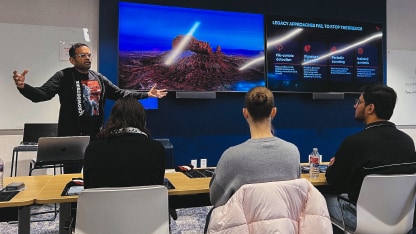





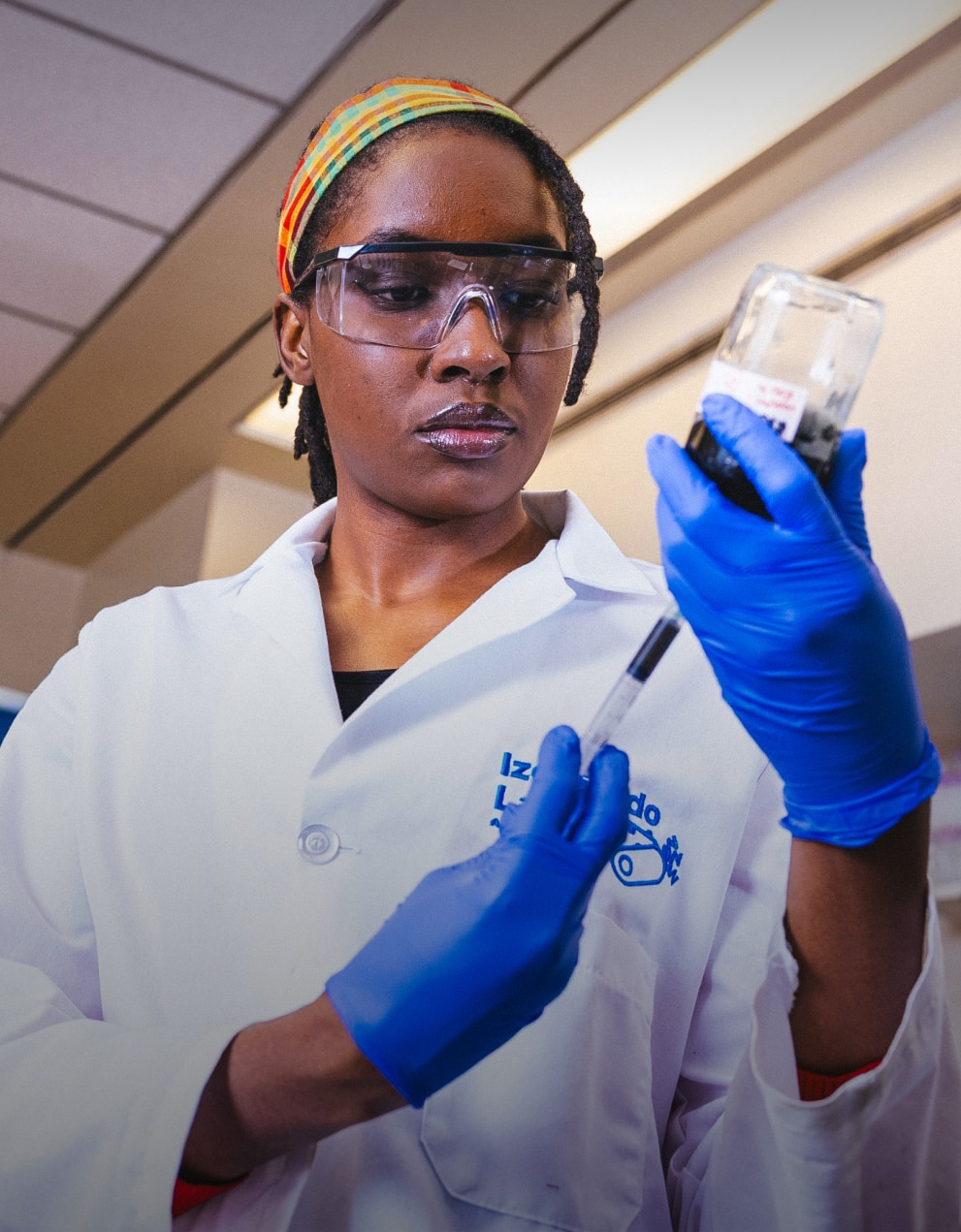



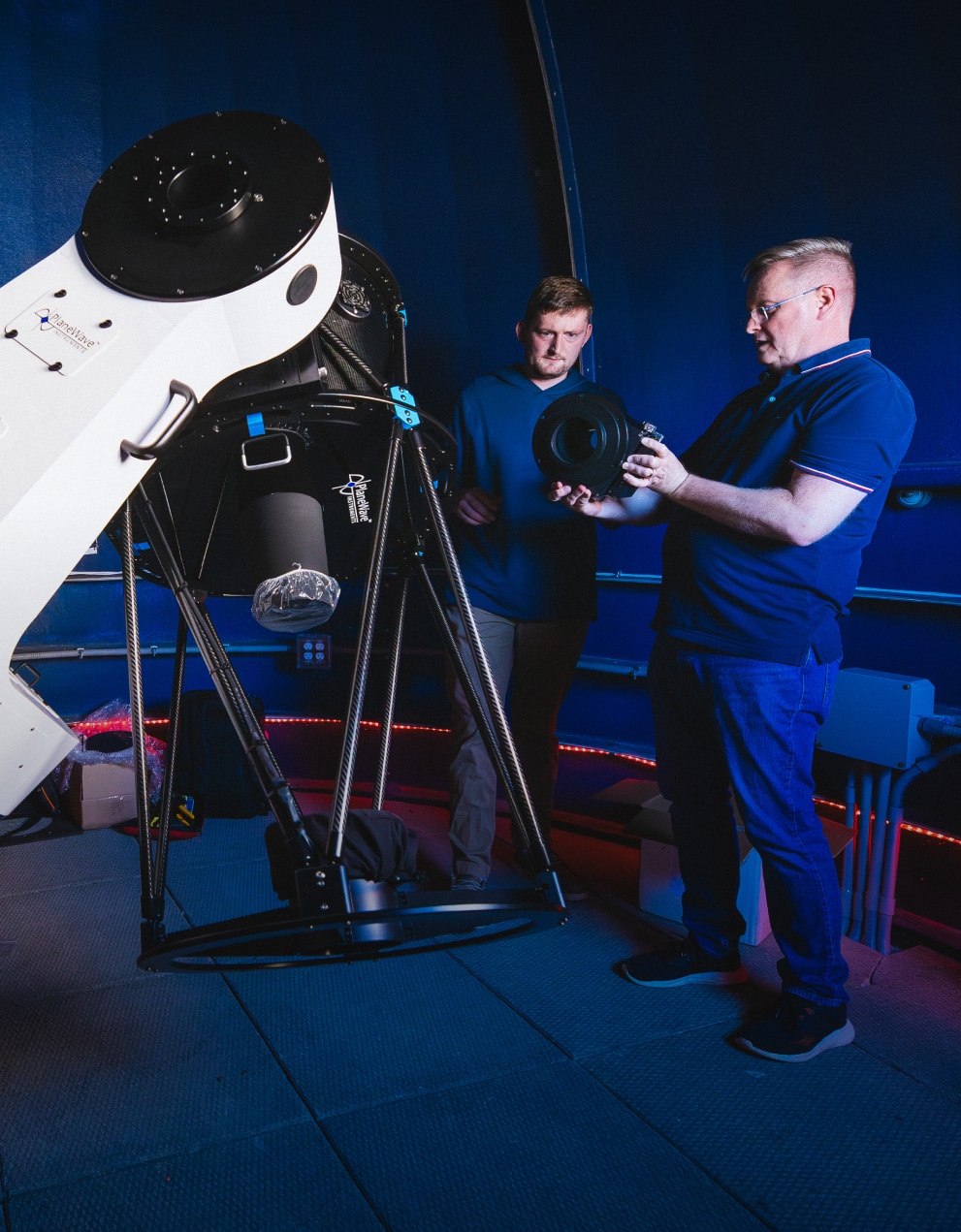
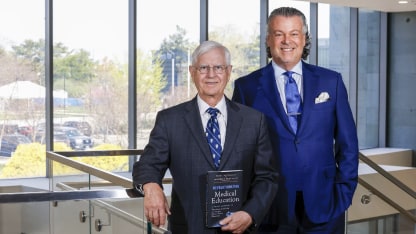
Featured News and Events
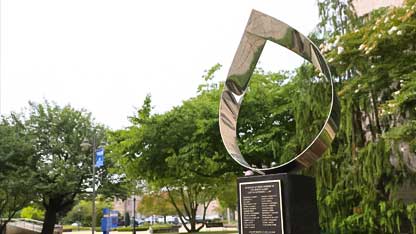

A campus that feels like home. Expert faculty who know you. The cultural and professional opportunities of NYC.
Hofstra by the Numbers
1
7
5
Undergraduate Programs
2
0
0
Graduate Programs
2.35
Avg. Undergrad Internships Completed
13:1
Student-to-Faculty Ratio
13
Schools
21
Division 1 teams

A Community Where You Belong
With over 200 student clubs to get involved in, rich traditions, exciting events and constant support for every student, it’s no surprise so many of us call Hofstra home.
Campus Life
Student Success


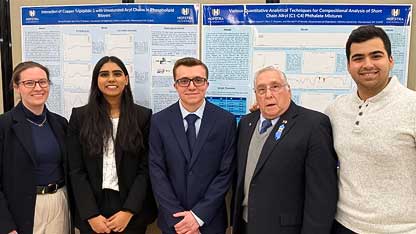
Faculty Achievements



Culture, Art, and Ideas
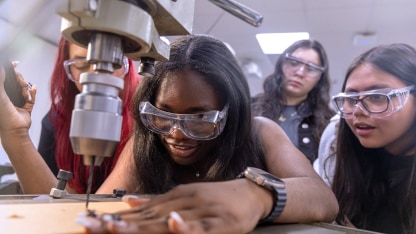



Study at Hofstra
Our innovative academic programs enable you to follow your own path–no matter what degree or concentration you want to pursue.
Undergraduate Admission Graduate Admission